
Definitions & data
How to audit your last 90 days of inquiries: the Lost Lead Audit method, template and agency version
A spreadsheet, a handful of Gmail searches and five outcome labels will show you how many inquiries you never answered, how many stopped after one reply, and what they were worth.
Short answer
The Lost Lead Audit is a review of every inquiry from the last 90 days, each sorted into one of five outcomes: never answered, answered once and dropped, time offered, booked, or lost with a reason. You find the inquiries with Gmail searches, log them in a spreadsheet, and value the first two groups at your average booking. Compare your rates with Leadferno's 2024 test, where 42.6% of small-business contact forms got no response.
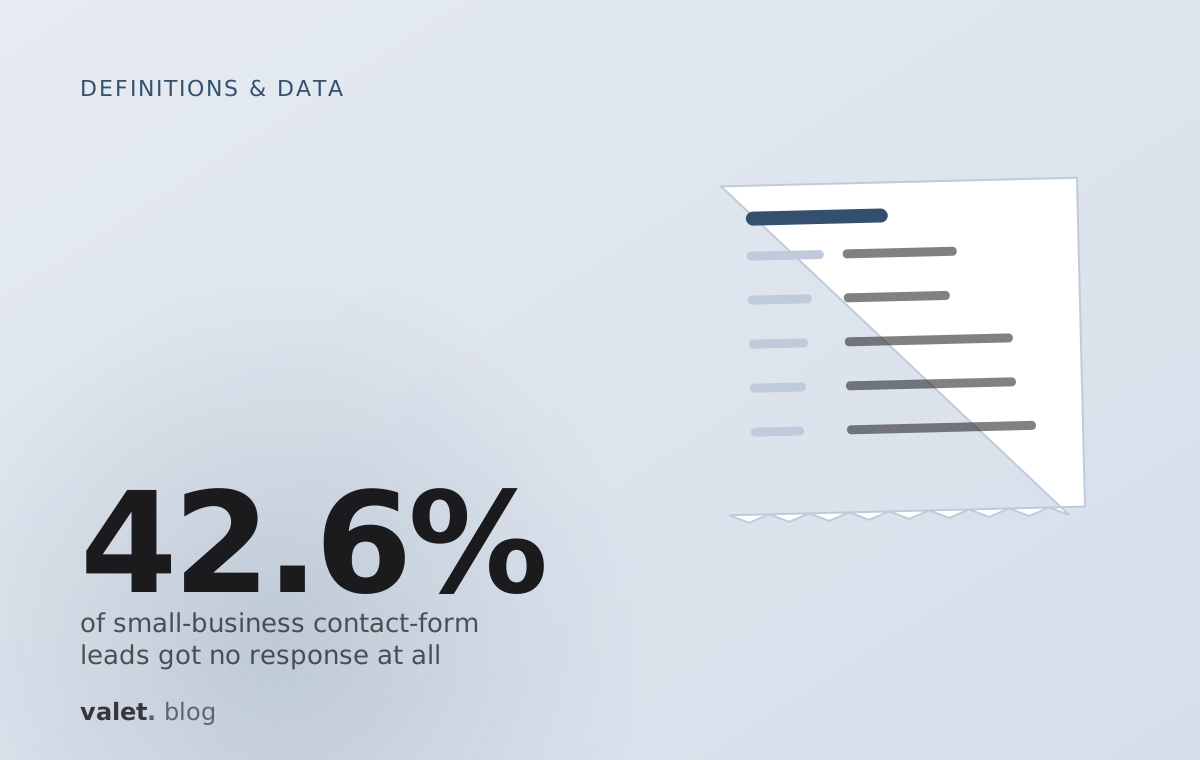
42.6%
of small-business contact-form leads got no response at all
Leadferno, 225 forms, 2024
65.5%
of businesses made only one attempt to reach a form lead
Leadferno, 2024
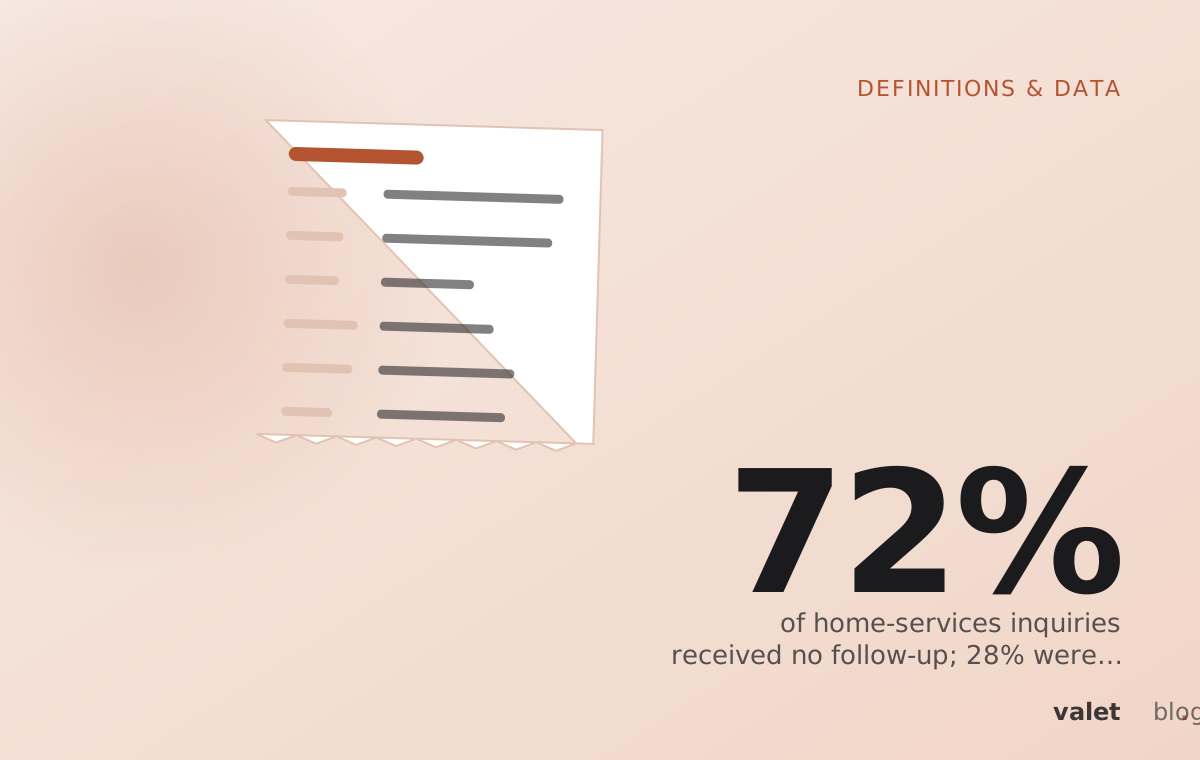
72%
of home-services inquiries got no follow-up
Pied Piper, 3,211 evaluations, 2026
The Lost Lead Audit is a review of every inquiry from the last 90 days, each sorted into one of five outcomes: never answered, answered once and dropped, time offered, booked, or lost with a reason. You find the inquiries with Gmail searches, log them in one spreadsheet, and put a dollar value on the first two groups. Then you compare your rates with published baselines, such as Leadferno's 2024 test, in which 42.6% of small-business contact forms got no response at all.1
We publish the method in full because an owner should be able to run it without us. The template and the search recipe are below. Valet's free lead check does a smaller version of the same thing, and we say where at the end.
What is a Lost Lead Audit?#
A Lost Lead Audit is a fixed-period count of inquiries by outcome, with a value attached to the ones that went nowhere. It answers three questions an owner usually cannot answer from memory: how many people asked, how many heard back, and how many were carried to a booking or a clear no.
Most owners track the bookings they won. Almost nobody tracks the inquiries that drifted. That asymmetry is why the losses feel smaller than they are. A booked client shows up on the calendar and in the bank account. An unanswered inquiry leaves no trace beyond one unread thread.
The audit's five outcomes match the Valet Inquiry States, the model Valet uses for live inquiries: New, Answered, Time held, Followed up, Booked, or closed with a reason. We designed the audit categories that way on purpose, so a business that runs the audit by hand and a business that later uses a tool measure the same thing.
Why audit 90 days, and not a week or a year?#
Ninety days of inquiries is enough volume for the percentages to mean something, and recent enough that you can still remember most of the people involved. A week is too few inquiries for a small business. A year takes too long to read by hand and mixes in seasons that no longer apply.
Ninety days also catches the slow failures. A quote sent in July that never got a second message is still visible in October. So is a contact form that quietly stopped sending notifications. Leadferno found 4.8% of the small-business forms it tested were broken in some way, so a sudden gap in form inquiries is worth checking before you count anything else.1
Seasonal businesses. If your inquiries peak in one season, as weddings and events often do, run the audit on your last busy 90 days rather than the most recent 90. The point is a representative sample of your real volume.
How to find every inquiry in Gmail#
Gmail's search operators can pull 90 days of inquiries into one label in a few searches. The operators below come from Gmail's own help page.5 Replace the example addresses with yours. Gmail has no "unreplied" operator, so the searches find the inquiries and you check the replies by opening each thread.
LOST LEAD AUDIT - GMAIL SEARCH RECIPE (last 90 days)

0. Create a label called: audit-90d

1. Inquiries sent to your public addresses
   deliveredto:[email protected] newer_than:90d
   deliveredto:[email protected] newer_than:90d
   (repeat for hello@, sales@, support@ - one search per address)

2. Website form notifications
   Open one form notification. Note its sender and subject line. Then:
   from:(SENDER-OF-YOUR-FORM-EMAILS) newer_than:90d
   or: subject:"WORDS-FROM-YOUR-FORM-SUBJECT" newer_than:90d

3. Listing, directory and marketplace lead emails
   Open one lead email from each platform. Note the sender. Then:
   from:(PLATFORM-SENDER-1 OR PLATFORM-SENDER-2) newer_than:90d

4. Inquiries that came to your personal address
   to:me newer_than:90d ("quote" OR "price" OR "availability" OR "booking" OR "available")

5. Remove noise from any search above
   add: -category:promotions -category:social -from:me

6. Select all results in each search and apply the label audit-90d.

7. Open label:audit-90d and work down the list one thread at a time.
   For each thread, record in the sheet:
   - when the inquiry arrived
   - when you first answered the question (not an auto-reply)
   - how many follow-ups you sent after the customer went quiet
   - whether you offered a specific date and time
   - the outcome

8. To check replies that left from another address:
   in:sent to:CUSTOMER-ADDRESS newer_than:90d

Fixed date range instead of "last 90 days":
   after:2026/07/03 before:2026/10/02
Inquiries that arrived outside Gmail need one extra step. Export or screenshot DMs, marketplace inboxes and call logs for the same 90 days and add them as rows with the channel noted. The audit is only as complete as its list of channels.
How to classify each inquiry: the five outcomes#
Each inquiry in the Lost Lead Audit gets exactly one outcome, the furthest point it reached. The definitions below are strict on purpose, because loose definitions make every business look better than it is.
| Outcome | Counts when | Does not count |
|---|---|---|
| Never answered | No reply addressed the customer's question within the 90 days | An auto-reply or "we received your message" confirmation is still Never answered |
| Answered once and dropped | You replied, the customer went quiet, and no follow-up went out | If you followed up after the silence, use Lost with reason |
| Time offered | You proposed a specific date and time, or held one, and the inquiry is still open | "Let me know when suits you" or a bare booking link |
| Booked | A call, visit, order or job is on the calendar or paid | A verbal "sounds great" with nothing scheduled |
| Lost with reason | The inquiry closed and you know why: chose someone else, over budget, date taken, wrong fit, or no response after your follow-ups | "Probably went elsewhere" with no evidence; mark it Answered once and dropped instead if there was no follow-up |
When in doubt, pick the lower outcome. The audit exists to find leakage. An owner who rounds up will find none and change nothing.
The Lost Lead Audit template#
The Lost Lead Audit template is one row per inquiry and one summary block. The formulas below work in Google Sheets and Excel. Put the column letters exactly as shown and the summary formulas will run without edits, assuming your data starts in row 2.
| Col | Header | What goes in it | Formula or allowed values |
|---|---|---|---|
| A | Received | Date and time the inquiry arrived | Date-time |
| B | Channel | Where it came from | Email, Form, Marketplace, Directory, DM, Phone, Other |
| C | Customer | Name or email | Text |
| D | Asked for | Service, date or product in a few words | Text |
| E | First real reply | Date and time you answered the question (blank if never) | Date-time |
| F | Hours to reply | Calculated | =IF(E2="","",ROUND((E2-A2)*24,1)) |
| G | Follow-ups sent | Messages you sent after the customer went quiet | 0, 1, 2, 3+ |
| H | Time offered | Did you propose a specific date and time? | Y / N |
| I | Outcome | The furthest point reached | Never answered, Answered once and dropped, Time offered, Booked, Lost with reason |
| J | Lost reason | Only if I = Lost with reason | Chose someone else, Over budget, Date taken, Wrong fit, No response after follow-up |
| K | Est. value ($) | Your normal price for what they asked about, from your own price list | Number |
| Summary line | Formula |
|---|---|
| Total inquiries | =COUNTA(I2:I) |
| Never answered (%) | =COUNTIF(I2:I,"Never answered")/COUNTA(I2:I) |
| Answered once and dropped (%) | =COUNTIF(I2:I,"Answered once and dropped")/COUNTA(I2:I) |
| Offered a time (%) | =COUNTIF(H2:H,"Y")/COUNTA(I2:I) |
| Made one attempt or fewer (%) | =COUNTIFS(G2:G,0,I2:I,"<>Booked")/COUNTA(I2:I) |
| Median hours to first reply | =MEDIAN(F2:F) |
| Average hours to first reply | =AVERAGE(F2:F) |
| Your close rate on answered inquiries | =COUNTIF(I2:I,"Booked")/(COUNTA(I2:I)-COUNTIF(I2:I,"Never answered")) |
| Value that went nowhere ($) | =SUMIF(I2:I,"Never answered",K2:K)+SUMIF(I2:I,"Answered once and dropped",K2:K) |
| Realistic recoverable value ($) | Value that went nowhere × your close rate on answered inquiries |
Two notes on the formulas. The open range I2:I works in Google Sheets; in Excel, replace it with a fixed range such as I2:I500. And the "one attempt or fewer" line counts every unbooked inquiry where no follow-up went out, which is the closest match to Leadferno's one-attempt measure and Pied Piper's no-follow-up measure.12 It includes the never-answered rows, so read it as "no second touch".
How to put a dollar value on lost leads#
The value of lost leads is the price of what each customer asked for, multiplied by the share you would realistically have won. The template uses your own close rate on answered inquiries, because that is the best evidence you have of how you sell when you do reply.
Use your price list for column K, not the customer's stated budget and not your best month. Discounted or bundled work should go in at the price you would have quoted on that day. The aim is a number you would defend to your accountant.
Illustration A planner with 120 inquiries in 90 days. Suppose 30 were never answered and 24 were answered once and dropped, at an average of $2,000 each. That is $108,000 of inquiries that went nowhere. If the planner books 20% of the inquiries it does answer, the realistic recoverable value is about $21,600 for the quarter. These figures are invented to show the arithmetic; use your own.
The recoverable figure is the number to plan against, and it is a ceiling, not a forecast. Some never-answered inquiries were spam or out of area. The audit's job is to show whether the leak is large enough to fund a fix, in hours or in tools.
What to compare your results against#
Published third-party studies give a rough baseline for small-business lead handling, but none of them was run on your industry and your channels. Use them as a sense check, not a target. Valet does not yet publish benchmark results from audits; we will only do so once enough audits exist to report a method and a sample size.
| Your audit line | Published figure | Study and scope |
|---|---|---|
| Never answered (%) | 42.6% of contact-form leads got no response | Leadferno, 225 small-business forms (home, professional and medical services), tracked 3 weeks, Jun 20241 |
| Never answered (%) | 47% of online inquiries unanswered | Mike DelPrete, secret shopping of real-estate agents, Aug 20243 |
| Average hours to first reply | 17 h 49 m to first human reply | Leadferno, 20241 |
| Median vs average reply time | Median 39 min; average 8 h 17 m | DelPrete, 20243 |
| Made one attempt or fewer (%) | 65.5% made just one attempt | Leadferno, 20241 |
| Made one attempt or fewer (%) | 72% got no follow-up at all | Pied Piper, 3,211 evaluations of 31 home-services brands, Oct 2025–Jan 20262 |
| Offered a time (%) | 28% were offered an appointment | Pied Piper, 20262 |
| Replies within the hour | 20% of pros respond within the hour | Jobber 2026 Home Service Trends Report, 1,050 US owners4 |
The gap between DelPrete's median of 39 minutes and his average of 8 hours 17 minutes is worth noticing in your own sheet.3 A business can answer most inquiries quickly and still lose the long tail entirely. DelPrete's summary of the agents he shopped was "consistently inconsistent," and many owners will see the same shape in their own data.3
For a closer look at where the widely quoted older figures came from, and which ones to stop using, see lead response statistics, traced to source. If your audit shows a large "never answered" group arriving through your website, start with why contact-form leads never get a reply.
The agency version of the Lost Lead Audit#
The agency version of the Lost Lead Audit measures what happens to the leads a campaign delivers once they reach the client's inbox. Agencies report clicks, forms and calls. Few report how many of those leads got an answer, which leaves the agency blamed for "bad leads" that were never followed up.
Agencies hear this in their own forums. A thread in r/AskMarketing (10+ comments, c. May 2026) put it plainly: "most of them just die in the CRM." For Google Local Services Ads, the stakes are also on the platform side. Google's help page says: "If you regularly fail to answer calls or respond to messages, your ad ranking may be affected."6
- Agree the scope in writing. One client, one 90-day window, the list of channels the campaign feeds. The client keeps control of their inbox.
- Let the client run the searches. Send the Gmail search recipe above. The client applies the audit-90d label and forwards the labelled threads, or exports them, instead of granting the agency full inbox access.
- Reconcile against the campaign's own count. Put the number of leads the ad platform or form tool reported next to the number found in the inbox. A large difference points to broken notifications or leads landing in a folder nobody reads.
- Fill one sheet per client. Use the same columns and outcome definitions for every client so results compare across accounts.
- Report on one page. Leads delivered, never answered, answered once and dropped, offered a time, booked, and value that went nowhere. Keep the agency's own metrics separate from the client's handling metrics.
- Re-run at 90 days. The second audit shows whether a change in handling moved the booked line. That comparison is the evidence a client renewal conversation needs.
Customer data. An audit sheet holds names, email addresses and what people asked for. Keep it in a private file shared only with the people running the audit, and delete the agency's copy when the report is done.
Where Valet fits#
The free lead check is a short version of this audit that Valet runs with you. You forward 10–20 recent inquiries, or show them on a call, and see what went unanswered, what stopped after one reply, and what it was worth. It uses the same outcome definitions as the template above.
If the audit shows a leak, Valet is a small business's own AI assistant for written inquiries. It answers from your own facts, offers and holds real times from your calendar, sends at most two useful follow-ups by default, hands money and complaints to you, and keeps every inquiry in a state with a next step and a time. For why that design focuses on what happens after the first reply, see the first reply is now free; the follow-up is where leads die.
Questions people ask
What is a lost lead audit?
A lost lead audit is a review of every inquiry a business received over a fixed period, usually 90 days, sorting each into an outcome such as never answered, answered once and dropped, time offered, booked, or lost with a reason, and putting a dollar value on the ones that went nowhere.
How do I find lost leads in Gmail?
Search by the address inquiries arrive at with deliveredto: plus newer_than:90d, add searches for your form notifications and marketplace lead emails, label the results, then open each thread and check whether you replied, followed up and offered a time.
How many leads am I missing?
Count the inquiries marked never answered and answered once and dropped, and divide by all inquiries in the 90 days. As a reference, Leadferno's 2024 test found 42.6% of small-business contact forms got no response and 65.5% of businesses made only one attempt.
Does an auto-reply count as answering a lead?
No. In the Lost Lead Audit an inquiry counts as answered only when a reply addresses what the customer asked. An automatic confirmation that the message arrived does not count.
Can an agency run a lost lead audit for a client?
Yes. The client runs the Gmail searches or forwards the matching inquiries, the agency fills one sheet per client, and the report compares leads delivered by the campaign with leads answered, followed up and booked.
Sources
Confidence: H primary source checked · M credible secondary or reported · L vendor claim or single report. Reddit and forum items are quoted from public threads and summarised, not endorsed.
- RESEARCH: Website Contact Forms and Lead Management – Uncovering Costly Mistakes · Leadferno · 2024-06-28 H
- Precision Garage Door Ranked #1 in Customer Lead Handling Effectiveness Home Services Study · Pied Piper Management Company via BusinessWire · 2026-04-12 H
- Secret shopping: 47% of online property inquiries are ignored · Mike DelPrete · 2024-08 H
- 2026 Home Service Trends Report · Jobber · 2026 H
- Refine searches in Gmail · Gmail Help · 2026-10-01 H
- Getting started with Local Services Ads · Google Local Services Help · 2026-10-01 H
How to cite this page
Cite this page
Valet, "How to audit your last 90 days of inquiries: the Lost Lead Audit method, template and agency version", valet.team, October 2026.
Keep reading
 Definitions & dataThe lead response statistics everyone quotes, traced to their sourceMost of the numbers on speed-to-lead pages are 2007 to 2014 vintage, misattributed, or invented. Here is the citation chain for each one, and the newer studies with a sample size you can name.Technical desk · 13 min · 1 October 2026
 Definitions & dataInbound inquiry response and follow-up statistics (2026), by verticalEvery number here names its sample, its channel and its year. The table shows which verticals have measured follow-up at all, and the one statistic nobody has published yet: inquiries answered once and then dropped.Playbooks · 8 min · 1 October 2026
 Definitions & dataThe inquiry-state glossary: 11 states from "new" to "booked" or "lost with a reason", with exit rulesMost lead pipelines have entry rules and no exit rules, so inquiries pile up in "contacted". This glossary defines 11 states, what moves an inquiry out of each one, and what the customer is told at every step.Technical desk · 10 min · 1 October 2026